






Connect Google Search Console to Trackboxx to view your website’s search queries, rankings, click-through rates and more.
Connecting Google Search Console data
To connect it, follow these steps:
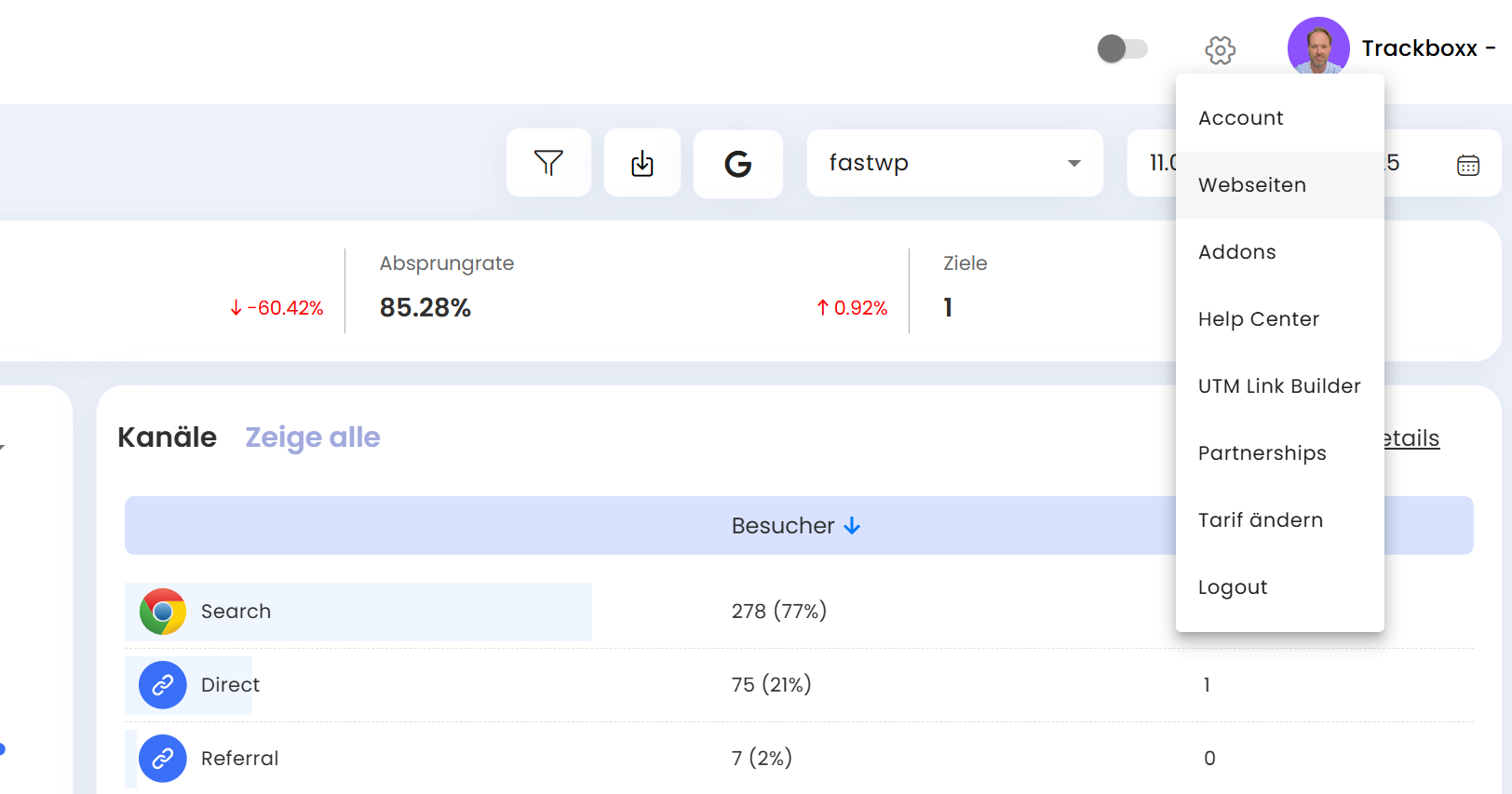
Click the cogwheel in the top-right corner and select “Websites”.
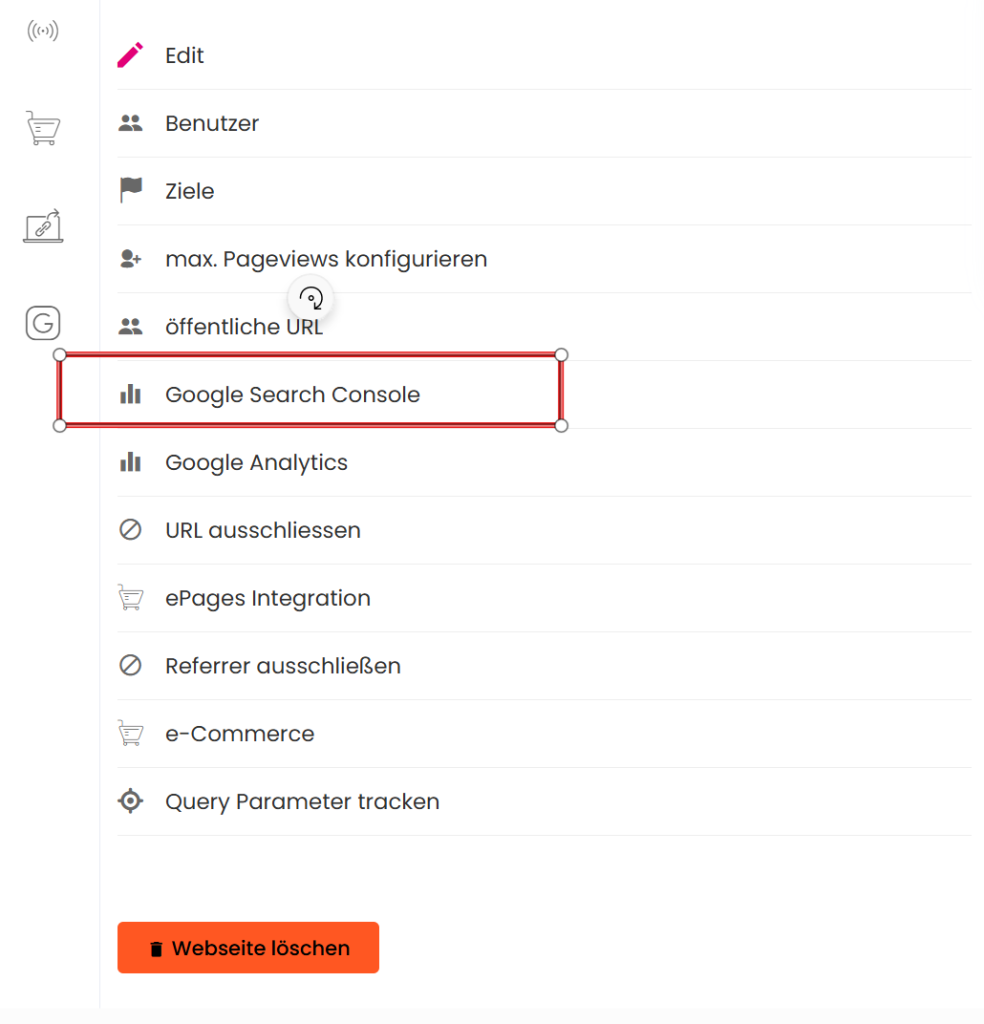
On the next screen, click “Settings” for the relevant website, then choose “Google Search Console” from the menu on the left.
Follow the instructions to link your domain to your Google account.
Sign in to Google and grant staging.trackboxx.com the requested access.
When the connection is successful, a green “connected” indicator appears under “Connection Status”.
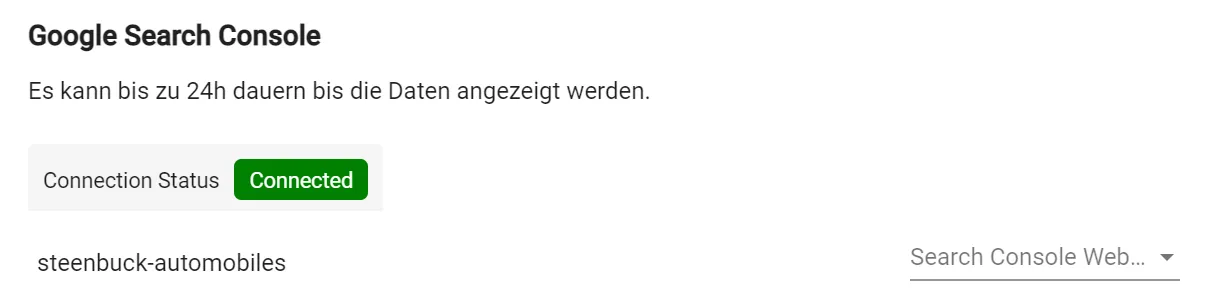
This screen lists all websites in your Google account. Use the dropdown menu to connect each one separately.
Important: It can take up to 24 hours for your data to appear.